
Template-Based CreationTemplates
Start with professionally designed motion templates and customize them to match your content, brand and style.
Harbor Motion / Coming Soon
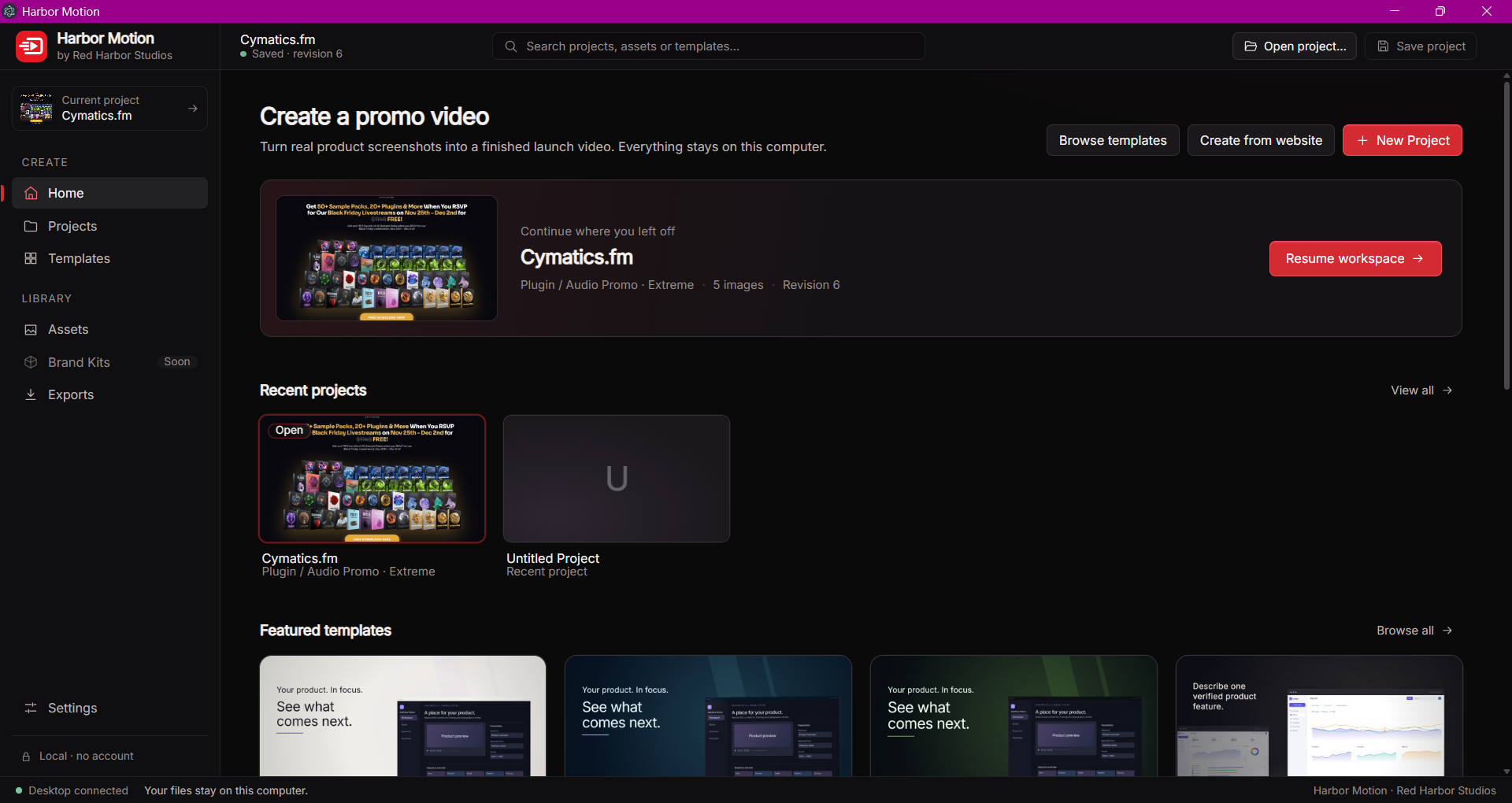
Harbor Motion is a creative video workspace built for fast, polished promotional content.
Start from a template, bring in your own media, customize the look and timing, and refine everything in a visual timeline. From product promos and music visuals to social content and launch videos, Harbor Motion gives creators a faster way to turn ideas into motion.
Designed to stay approachable without sacrificing control, it combines reusable templates with hands-on editing tools so every project can still feel like your own.
Built for creators · Local-first editing · Flexible templates · No complicated workflow
Harbor Motion
Start with professionally designed motion templates and customize them to match your content, brand and style.
Arrange clips, text, images and motion elements on a flexible timeline with precise control over timing and sequencing.
Adjust layouts, transitions, typography and visual motion without being locked into a fixed template.
Create product promos, music visuals, social ads, launch videos and other short-form promotional content from one workspace.
Bring together images, video, screenshots and other assets and build your composition around the content you already have.
Turn website pages and product screens into visual material that can be used directly inside promo projects.
Adapt projects for different visual directions, from clean business presentations to bold gaming and creative promo styles.
Render projects locally on your computer for a more private workflow and direct control over exported video files.
Reuse successful layouts, branding and project structures instead of rebuilding the same promotional format every time.
Work inside a focused editing environment designed to keep media, preview, timeline and project controls within easy reach.
FAQ
Harbor Motion is a desktop video creation workspace for producing polished promotional content using customizable templates, media and a visual timeline.
It is designed for creators, musicians, developers, small businesses and brands that want professional-looking promo videos without relying on a complex traditional video-editing workflow.
Yes. Templates are intended as starting points rather than fixed designs. You can customize media, text, layouts, timing and other visual elements to create your own result.
Harbor Motion is designed for content such as product promos, music visuals, launch videos, social media content, app showcases and short promotional campaigns.
Yes. Projects can be refined through a visual timeline that gives you control over the timing and arrangement of your content.
Website capture is part of the planned workflow, allowing pages and product screens to be turned into visual material for promotional videos.
Harbor Motion is designed around local rendering, keeping the creative and export workflow on your own machine.
Harbor Motion is currently in development. More information about availability and releases will be shared through Red Harbor Studios.